🚀 *Gen AI Engineer Telugu (Production Focused)*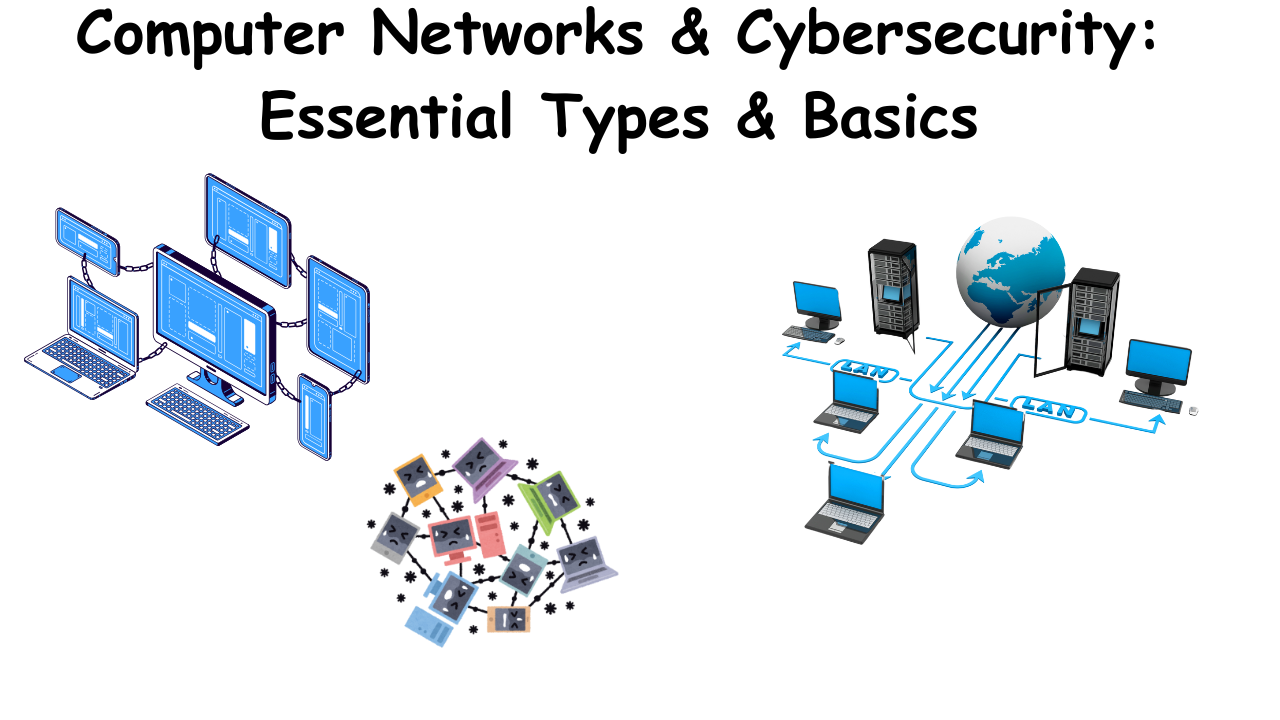
What is a Computer Network? 🌐
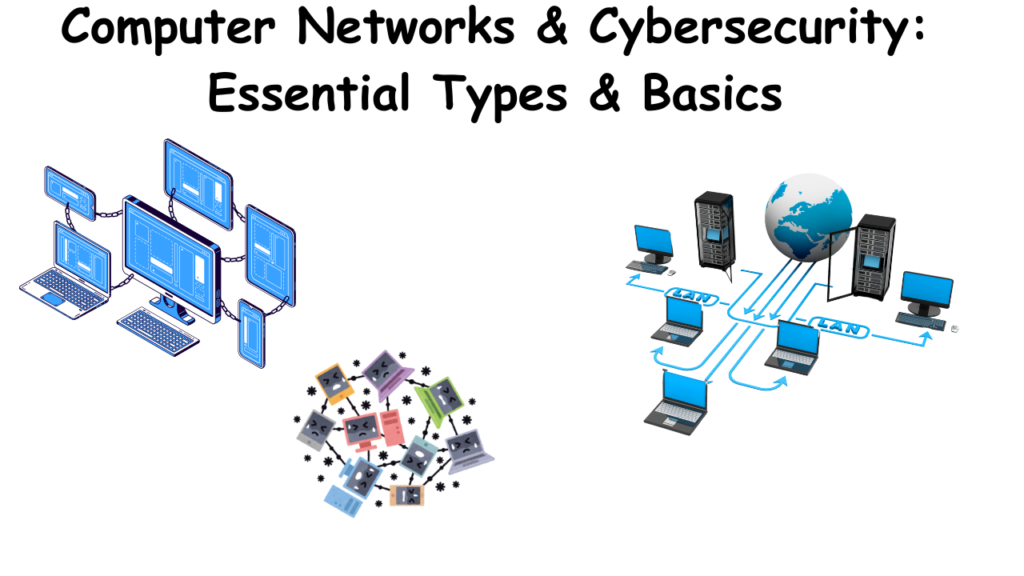
At its core, a computer network is a system that allows multiple computing devices to communicate 🗣️ and share resources 📂 with each other. This interconnection enables the exchange of data 📊, files 📄, and services ⚙️. Here’s a breakdown of what that entails:
Key aspects of a computer network:
- Interconnected Devices 💻📱🖥️: This includes a wide range of devices such as computers, servers, smartphones, printers, and other hardware.
- Communication 📡: Networks facilitate the transmission of data between these devices.
- Resource Sharing 📂🖨️🌐: Networks enable the sharing of resources like files, printers, internet access, and applications.
- Communication Protocols 📜: These are sets of rules that govern how data is transmitted and received over the network.
In simpler terms:
Imagine a group of people who need to share information and work together 🤝. A computer network is like the system they use to communicate and share resources, whether it’s through phone calls 📞, emails 📧, or shared documents 📄.
Why are computer networks important? 🌟
Computer networks are fundamental to modern life. They enable:
- The internet and the World Wide Web 🌐🌍.
- Email and instant messaging 📧💬.
- Online collaboration and file sharing 🤝📂.
- Access to cloud computing services ☁️⚙️.
- And much more 🎉.
When considering computer networks within the context of cybersecurity, it’s crucial to understand how different network types present varying security challenges. Here’s a breakdown:
Key Network Types and Cybersecurity Implications:
- Local Area Networks (LANs) 🏠:
- Security Concerns ⚠️:
- Internal threats 👤: Malicious insiders or compromised devices within the LAN can easily spread malware.
- Vulnerable devices 💻: Unpatched or misconfigured devices on the LAN can be exploited.
- Wireless LANs (WLANs) 📶: Weak Wi-Fi security can allow unauthorized access.
- Cybersecurity Measures ✅:
- Firewalls 🧱 to segment the LAN.
- Intrusion detection/prevention systems (IDS/IPS) 🚨.
- Endpoint security software 🛡️.
- Strong Wi-Fi encryption (WPA3) 🔒.
- Network access control (NAC) 🚦.
- Security Concerns ⚠️:
- Wide Area Networks (WANs) 🌐:
- Security Concerns ⚠️:
- Increased exposure 🗺️: WANs connect geographically dispersed networks, increasing the attack surface.
- Data interception 🕵️: Data transmitted over WANs can be intercepted by malicious actors.
- Attacks on network infrastructure 💥: WAN infrastructure itself can be targeted.
- Cybersecurity Measures ✅:
- Virtual Private Networks (VPNs) 🔐 to encrypt traffic.
- Firewalls 🧱 and IDS/IPS 🚨 at network perimeter.
- Secure routing protocols 🛣️.
- SD-WAN security features ⚙️.
- Security Concerns ⚠️:
- Virtual Private Networks (VPNs) 🔐:
- Security Role ⭐:
- VPNs create encrypted tunnels 🚇, providing secure remote access to private networks.
- They protect data confidentiality and integrity 📜.
- Security Concerns ⚠️:
- VPN vulnerabilities 🐛: Weak VPN protocols or implementations can be exploited.
- Compromised VPN credentials 🔑: Stolen credentials can allow unauthorized access.
- VPN provider security 🤝: Trusting a VPN provider with your data, means that provider must have strong security.
- Security Role ⭐:
- Cloud Networks ☁️:
- Security Concerns ⚠️:
- Data breaches 📂: Cloud storage and services can be targeted for data theft.
- Account hijacking 👤➡️😈: Compromised cloud accounts can lead to unauthorized access.
- Misconfigurations ⚙️❌: Incorrect cloud security settings can expose sensitive data.
- Cybersecurity Measures ✅:
- Cloud security posture management (CSPM) 📊.
- Identity and access management (IAM) 🆔.
- Data encryption 🔒.
- Cloud based firewalls 🧱 and intrusion detection 🚨.
- Security Concerns ⚠️:
- Wireless Networks (WLANs) 📶:
- Security Concerns ⚠️:
- Eavesdropping 👂: Wireless signals can be intercepted.
- Rogue access points 👾: Unauthorized access points can be used to capture data or launch attacks.
- Weak encryption 🔓: Outdated or weak Wi-Fi encryption can be easily cracked.
- Cybersecurity Measures ✅:
- Strong Wi-Fi encryption (WPA3) 🔒.
- Rogue access point detection 📡.
- Virtual LANs (VLANs) 🌐 to segment wireless traffic.
- Security Concerns ⚠️:
Key Takeaway: Cybersecurity professionals must consider the unique vulnerabilities of each network type and implement appropriate security controls to mitigate risks. 🎯
What is a Computer Network? 🌐
A computer network is a system where devices (like computers 🖥️, servers 💾, routers 📡) are connected to share resources (files 📂, internet 🌐, printers 🖨️) and communicate using rules called protocols 📜.
Analogy: Think of it as a digital highway system 🛣️:
- Devices = Cars 🚗
- Data = Packages being delivered 📦
- Protocols = Traffic rules (e.g., stop signs 🛑, speed limits 🚦).
Key Components of a Network
- Devices 💻
- End Devices (Where data starts/stops):
- Clients: Your laptop 💻, phone 📱, or IoT device 💡.
- Servers: Powerful computers that store data (e.g., web servers 🌐, email servers 📧).
- Intermediate Devices (Traffic managers):
- Routers: Direct data between networks (e.g., home router 🏠📡).
- Switches: Connect devices within a local network (e.g., office LAN 🏢).
- Firewalls: Security guards 🛡️ that filter malicious traffic.
- End Devices (Where data starts/stops):
- Media (How data travels):
- Wired: Ethernet cables 🔌 (fast and secure).
- Wireless: Wi-Fi 📶, Bluetooth 🔵 (convenient but vulnerable to eavesdropping).
- Protocols (Rules for communication):
- TCP/IP: The “language” of the internet 🌐.
- TCP (Reliable): Ensures data arrives intact (used for websites 🌐, emails 📧).
- UDP (Fast but unreliable): Used for streaming 🎬 or gaming 🎮.
- HTTP/HTTPS: For web traffic (HTTPS = secure HTTP 🔒).
- DNS: Translates domain names (e.g., google.com) to IP addresses 🗺️.
- TCP/IP: The “language” of the internet 🌐.
Types of Networks
- LAN (Local Area Network): 🏘️
- Small geographic area (e.g., home, office).
- Example: Your home Wi-Fi network 📶.
- Security Focus: Protect against unauthorized access (strong passwords 🔑, MAC filtering).
- WAN (Wide Area Network): 🌍
- Connects LANs over long distances (e.g., the internet 🌐).
- Example: A company connecting offices in New York and London 🏢.
- Security Focus: Use VPNs 🔒 to encrypt data over public networks.
- MAN (Metropolitan Area Network): 🏙️
- Covers a city (e.g., city-wide surveillance cameras 📹).
- VPN (Virtual Private Network): 🔒
- Creates a secure “tunnel” over a public network (e.g., employees accessing company files remotely 💼).
Network Models
- OSI Model (7 Layers): 📊
- A framework to understand how data flows through a network.
- Layer Function Example Security Risks
- Application 📱 User-facing apps (e.g., browsers) HTTP, FTP, Email Phishing, malware 👾
- Presentation 🔐 Data formatting/encryption SSL/TLS, JPEG Weak encryption 🔓
- Session 🤝 Manages connections Logins, VPNs Session hijacking 🦹
- Transport 🚚 Ensures data delivery (TCP/UDP) Port numbers DDoS attacks, port scanning 🔍
- Network 🗺️ Routes data (IP addresses) Routers, IP packets IP spoofing, man-in-the-middle 👤
- Data Link 🔗 MAC addresses, switches Ethernet, Wi-Fi MAC spoofing, ARP poisoning ☣️
- Physical 🔌 Hardware (cables, signals) Fiber optics, radio waves Cable tampering, signal jamming ⚡
- TCP/IP Model (Simplified to 4 Layers): 🌐
- Application, Transport, Internet, Network Access.
Why Networks Matter for Cybersecurity 🔒
- Attack Surfaces: 🎯
- Every layer of a network is a potential entry point for hackers 👾.
- Example: A weak Wi-Fi password (Layer 1) can let attackers into your LAN.
- Common Network Attacks: 💣
- DDoS: Overwhelm a server with traffic (Layer 3/4) 🚦.
- DNS Spoofing: Redirect users to fake websites (Layer 7) 🎣.
- Man-in-the-Middle: Intercept unencrypted data (e.g., HTTP) 👤.
- Defense Tools: 🛡️
- Firewalls: Block unauthorized traffic (Layer 3/4) 🧱.
- IDS/IPS: Detect/prevent intrusions (Layer 7) 🚨.
- Encryption (HTTPS, VPNs): Protect data in transit (Layer 6) 🔒.
Real-World Example: Sending an Email 📧
- You type an email (Layer 7: Application) 📝.
- It’s encrypted via TLS (Layer 6: Presentation) 🔒.
- Your computer uses SMTP (Layer 5: Session) over TCP (Layer 4: Transport) 🤝.
- Routers direct it using IP addresses (Layer 3: Network) 🗺️.
- Switches forward it via MAC addresses (Layer 2: Data Link) 🔗.
- Data travels as electrical signals (Layer 1: Physical) ⚡.
- Security Risk: If the email isn’t encrypted, a hacker could intercept it (MitM attack) 🦹.
Key Takeaways for Students 🎓
- Networks are the backbone of cybersecurity 🌐 – you can’t defend what you don’t understand!
- Every layer has vulnerabilities, so defense requires a layered approach 🛡️ (e.g., firewalls + encryption + user training 📚).
- Tools like Wireshark (packet analysis) 🔍 and Nmap (network scanning) 🗺️ are critical for securing networks.
Hands-On Activity Idea 💡
- Lab Exercise: Use tools like Wireshark to capture and analyze network traffic 📊.
- Task: Identify unencrypted HTTP vs. encrypted HTTPS traffic 🔍.
- Security Lesson: Show how easily unencrypted data can be read by attackers 👾.